TradingView
TradingView Review: A Practical Charting Tool for Traders
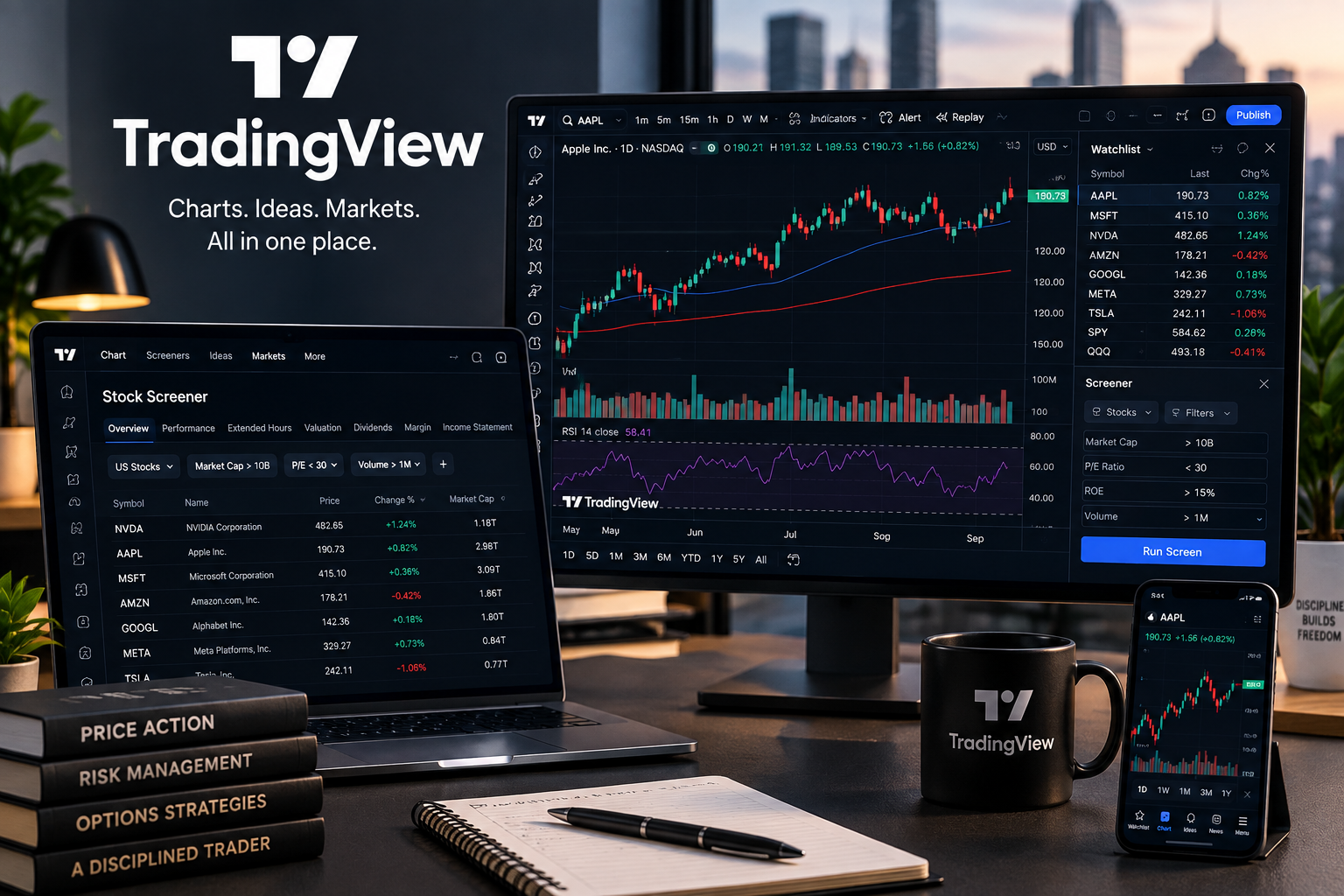
TradingView is one of those tools that can fit into almost any trading workflow. You can use it for something as simple as checking a chart, or build a more organized setup with multiple watchlists, alerts, screeners, indicators, and custom layouts.
For traders who regularly follow several stocks or ETFs, the biggest benefit is not any single feature. It is having most of the market-monitoring tools in one place.
Charting
Charting is still the main reason to use TradingView.
The interface is clean, fast, and easy to customize. You can switch between timeframes, compare symbols, add technical indicators, draw support and resistance levels, and save layouts for later.
TradingView also supports more advanced tools such as Volume Profile, custom indicators through Pine Script, multiple charts in one layout on eligible plans, and a large collection of drawing tools.
For options traders, I think the chart is most useful as a context tool.
Before looking at a potential CSP or covered call, you can quickly check:
- The overall trend
- Recent support and resistance
- Earnings-related moves
- Volume
- Moving averages
- Relative strength
- Important price levels
It does not replace options-chain data, volatility analysis, or your own risk rules. It simply makes the underlying stock easier to evaluate visually.
Watchlists & Alerts
This is probably one of TradingView's most useful everyday features.
Instead of keeping dozens of charts open, you can organize symbols into watchlists and create alerts around the levels or conditions you actually care about.
TradingView supports price alerts as well as technical alerts based on indicators, strategies, and drawing tools. Some plans also support watchlist and multi-condition alerts. Notifications can work across web, desktop, and mobile.
For example, rather than checking a stock repeatedly throughout the day, you could simply monitor it and wait until price reaches an area you already identified.
That makes TradingView particularly useful as a monitoring dashboard, even if you ultimately place trades somewhere else.
TradingView is most useful as a monitoring tool — set your levels first, then let alerts bring you back when something actually matters.
Screeners
TradingView also includes screeners for finding stocks and other assets that meet specific criteria.
The Stock Screener lets you filter using both fundamental and technical data, customize columns, save screens, and switch between table and chart-style views. TradingView currently lists hundreds of available fundamental and technical fields across its screeners.
This can be useful for narrowing a large market down to a manageable watchlist.
You might start with broad factors such as:
Market cap → price → volume → sector → valuation → technical conditions
Then move the stocks that look interesting into your own research process.
For option sellers, I would still treat a stock screener as the first filter, not the final decision. Option liquidity, implied volatility, strike selection, expiration, earnings dates, and downside risk still need to be evaluated separately.
What I Like About TradingView
The strongest part of TradingView is how well its tools work together.
You can discover a stock in the screener, open the chart, add it to a watchlist, mark important levels, and set an alert without moving between several different platforms.
That sounds simple, but it can make a research workflow much cleaner.
The platform also works across browser, desktop, and mobile, which is useful when you want to check the same watchlists or charts from different devices.
What TradingView Doesn't Replace
TradingView can handle a lot, but it should not be treated as an all-in-one solution for every trader.
If you trade options, you may still want separate tools for:
- Detailed option chains
- Implied-volatility analysis
- Probability and payoff modeling
- Portfolio tracking
- Broker execution
- Options-specific scanners
I see TradingView as the charting and market-monitoring layer of a trading setup rather than a replacement for everything else.
TradingView can improve your research workflow, but it should not be used as a substitute for options-specific data or your own risk management.
Free or Paid?
TradingView has a free version, so the easiest way to decide whether it fits your workflow is simply to try it first.
Paid plans mainly become useful when you need more charts, indicators, alerts, historical data, layouts, or other advanced features. The exact limits vary by subscription level.
There is no reason to upgrade just because a higher plan exists. Start with the tools you actually use and upgrade only when the limits begin getting in your way.
Final Thoughts
TradingView is easy to recommend as a charting, screening, and market-monitoring tool.
Its biggest advantage is not that it tells you what to trade. It doesn't.
Instead, it gives you a flexible workspace for finding opportunities, organizing stocks, studying price action, and getting notified when something you are already watching becomes interesting.
For traders building a repeatable research process, that can be more useful than adding another source of trade ideas.
If you’re planning to try TradingView, you can use my referral link to receive $15 off your TradingView subscription.
I may also receive a referral benefit if you sign up through my link, at no additional cost to you.